Best adapters
Classic Bluetooth ELM327 reader · Android

Panlong Bluetooth OBD2 Scanner (Android)

A small, low-cost Classic Bluetooth reader sold as fully ELM327 compliant. It turns an Android phone or tablet into a check-engine code reader with live data through apps like Torque and Car Scanner.

  • ConnectionClassic Bluetooth
  • PhonesAndroid phones and tablets
  • iPhoneNot supported by this version
  • ChipELM327-compatible, version 1.5
  • Protocols9 OBD-II protocols
  • ModelB02 V1.5
Works well for
  • Android owners who want engine codes explained before a shop visit
  • A spare reader for a second car or a road trip
  • Torque and DashCommand users building gauge screens
  • Toyota and Lexus hybrid owners running Dr. Prius
Avoid if
  • iPhone and iPad owners (Panlong sells a separate BLE version)
  • Ford owners who need MS-CAN in FORScan
  • BMW coding or other data-heavy coding apps
Check it out

Engine light on, Android phone in hand, and very little to spend

Most people who buy a reader like this have one question: why is the check-engine light on, and can I fix it myself? The Panlong Bluetooth scanner answers that for Android owners. Plug it into the OBD-II port, open an app, read the code and its meaning, then decide whether it is a gas cap, a sensor or a trip to the shop.

It reads and clears trouble codes, shows what they mean through the app, turns off the check-engine light once the fault is fixed, and streams live sensor data. That covers the jobs most drivers need between services.

  • Read codes before visiting a mechanic, so you walk in knowing what the car reported.
  • Clear the light after a simple fix, such as tightening a loose fuel cap.
  • Watch live data like coolant temperature, RPM and fuel trims to spot trouble early.
  • Check hybrids with Dr. Prius on Toyota and Lexus models.

Panlong also says it can reach manufacturer-specific data. How much you see depends heavily on the app and the car, so treat that as a bonus rather than a promise. ABS, airbag and transmission faults usually need a more capable adapter and a brand-specific app.

Keep a record: note the code and freeze-frame data before you clear anything. If the light returns, that first record is the most useful clue a mechanic can get.

Coverage runs from 1996 US vehicles and 2000 European and Asian vehicles, for 12V gasoline and light diesel models. The ELM327 car compatibility breakdown goes brand by brand if your car sits near those cut-off years.

Details

Technical details

SpecValue
BrandPanlong
ModelB02 V1.5
ChipELM327-compatible, reports version 1.5
Wireless linkClassic Bluetooth
Bluetooth nameOBDII
Operating systemsAndroid phones and tablets; Windows also listed
iOSNot supported by this version
Protocols9 OBD-II protocols
Vehicles1996+ US, 2000+ EU and Asian 12V gasoline and light diesel
FunctionsRead and clear codes, code meanings, live sensor data
Compatible appsTorque, DashCommand, Car Scanner ELM OBD2, OBD Fusion, OBD Auto Doctor, Dr. Prius
PowerFrom the OBD-II port
Weight18.14 g
Size1.89 × 0.98 × 1.26 in
In the boxPanlong OBD2 scanner

What fully ELM327 compliant and v1.5 mean on this adapter

Panlong describes the scanner as fully ELM327 compliant, and the model number ends in V1.5. Both are worth unpacking, because they tell you what the adapter speaks and what kind of chip is inside. In practice this is an ELM327-compatible clone, which is normal at this price and fine for engine diagnostics.

The ELM327 is a chip designed by Elm Electronics that translates OBD-II protocols into simple text commands for apps. Nearly every budget adapter uses a compatible chip that copies its command set. Elm Electronics' own version history does not include a v1.5, so the label comes from clone firmware rather than from Elm.

That is not a reason to avoid the Panlong. Many v1.5 clones handle the standard engine commands well. Where clones fall short is in speed, stability and the advanced commands that coding apps depend on. For reading a code and watching a few gauges, none of that gets in the way.

ELM327 protocolTypical vehicles
SAE J1850 PWMOlder Fords
SAE J1850 VPWOlder GM vehicles
ISO 9141-2Older European and Asian cars
ISO 14230-4 KWP (slow and fast init)European and Asian cars, early 2000s
ISO 15765-4 CAN (four speed and ID variants)US cars from 2008, most cars since

Those nine protocols are the standard OBD-II set. What is not on the list are Ford's MS-CAN and GM's single-wire CAN, so FORScan body modules and GM body networks stay out of reach.

For the full story on version numbers and genuine chips, see ELM327 v1.5 vs v2.1 and what ELM327 is.

Across the range

Compared with the field

ELM327 OBD2 adapter models by type, September 2026. Highlighted: Panlong Bluetooth (Android).

It shows up as OBDII: pairing, and the two-scanner trap

Panlong's setup notes answer the questions that trip people up most. The scanner appears on your phone as OBDII, and sometimes it does not appear in the Bluetooth list at all. Panlong says that is fine: open the app and let it find the adapter from there.

  1. Plug the scanner into the OBD-II port and switch the ignition on.
  2. Turn on Bluetooth on your Android phone or tablet.
  3. Pair with OBDII in Bluetooth settings if it shows; if not, go straight to the app.
  4. In Torque, Car Scanner or your chosen app, select the adapter and connect.
  5. Leave the protocol on automatic so the app finds the right one of the nine.

The two-scanner trap catches people who own more than one adapter. Many cheap readers use the same OBDII name, and a phone can keep trying the old one. Panlong's fix: go to your phone's Bluetooth settings and unpair the old OBDII before using the new scanner.

  • App finds nothing: reseat the scanner firmly and check the ignition is on.
  • Connects, then drops: close other OBD2 apps that may be holding the connection.
  • Connects to the adapter but not the car: confirm the car is a 1996+ US or 2000+ EU or Asian model.

Panlong suggests trying free app versions first, since plenty of good apps exist. Torque Lite and the free tier of Car Scanner cover codes and live data. The guide to free and paid ELM327 apps compares the options, and how to use an ELM327 covers more first-scan fixes.

Other picks

Three alternatives

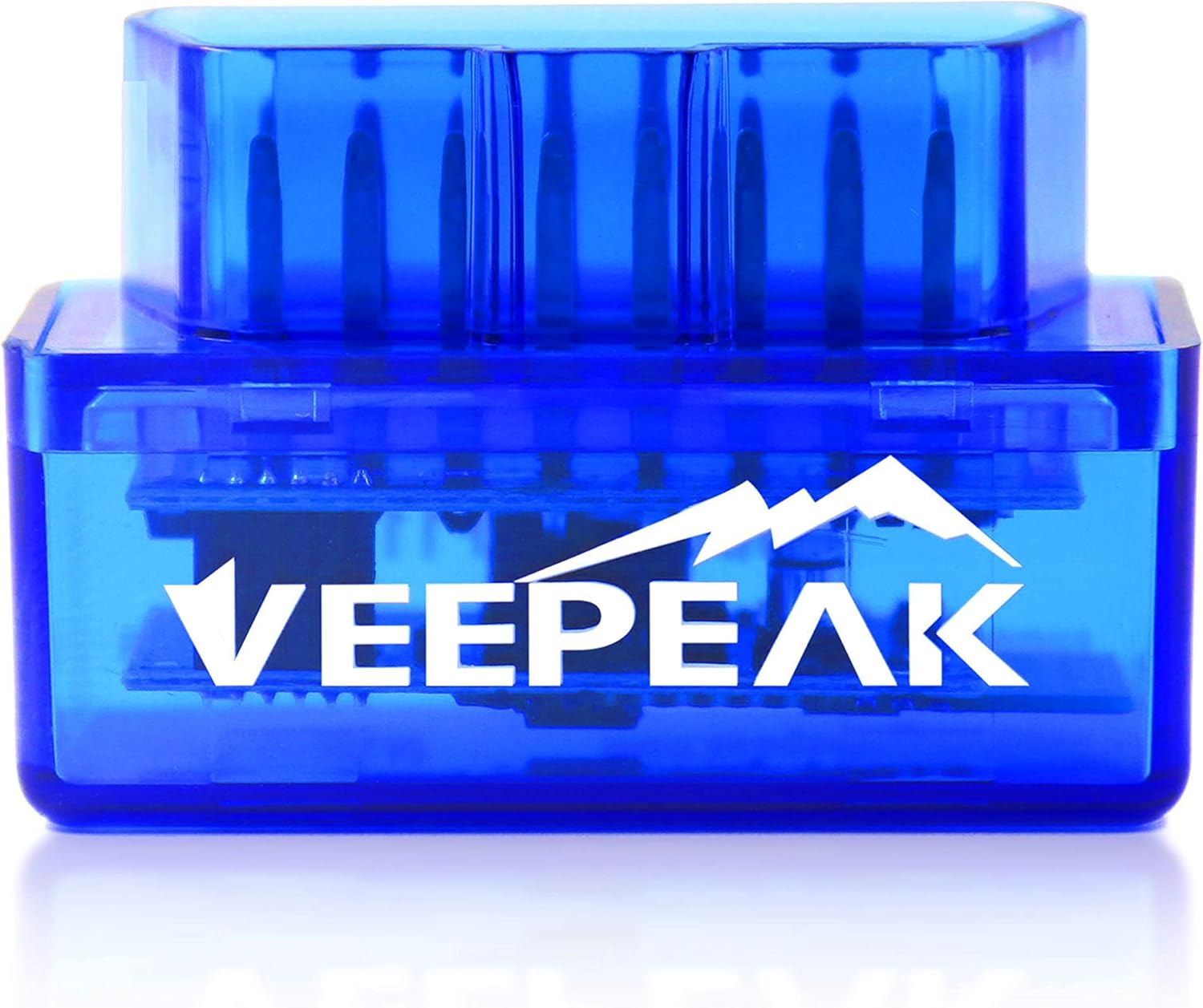
1 Veepeak Mini (Android)
Android, with clear limits Veepeak Mini (Android)
The Veepeak Mini is a Classic Bluetooth reader for Android that states exactly which apps and functions it supports.
  • Bluetooth connection
  • Works with Android
  • Android only - not for iPhone
Check it out
3 Veepeak OBDCheck BLE
iPhone and BMW Veepeak OBDCheck BLE
The Veepeak OBDCheck BLE uses Bluetooth LE for iPhone and Android and supports BimmerCode on 2008+ BMWs.
  • Bluetooth LE connection
  • Works with iPhone, Android
  • BMW / BimmerCode ready
Check it out

Panlong, Veepeak Mini or the Panlong BLE for an iPhone

At the budget end, Classic Bluetooth readers for Android are near twins. Tell them apart by the help the maker offers, how plainly each one states what it can do, and which phones live in your house. This version of the Panlong is Android-only; Panlong sells a separate BLE version for iPhones.

AdapterLinkiPhoneNotes
Panlong BluetoothClassicNoELM327 v1.5, nine protocols
Veepeak MiniClassicNoClear list of supported and unsupported apps
Panlong BLEBluetoothYesPanlong's version for iPhone and Android
Veepeak OBDCheck BLEBluetooth LEYesAdds BimmerCode on 2008+ BMWs

Panlong does not publish a sleep-current figure for this scanner. Budget readers often stay awake while plugged in, so if the car will sit for more than a few days, unplugging it is the safe habit. At this size it lives happily in the glovebox between uses.

The Panlong and the Veepeak Mini are close rivals. Both are Classic Bluetooth, both are Android-only, and both read generic engine data through the same popular apps. The Veepeak spells out its unsupported apps and functions in more detail; the Panlong is more explicit about its protocol list and pairing quirks. Either is a reasonable first reader.

  • Pick the Panlong for an Android phone and engine-only diagnostics on a small budget.
  • Pick the Panlong BLE or a Veepeak BLE if anyone uses an iPhone.
  • Pick an MS-CAN adapter if you drive a Ford and want FORScan body modules.

If you later outgrow a basic reader, the step up is usually a better chip rather than more features on paper. The ELM327 vs OBDLink vs Vgate comparison shows where that step lands.

Driver questions

Compatibility questions

Does the Panlong Bluetooth OBD2 scanner work with iPhone?

No. This version supports Android phones and tablets only. Panlong sells a separate BLE version for iPhone.

Is the Panlong a genuine ELM327?

It is an ELM327-compatible adapter that reports version 1.5. Elm Electronics never released a v1.5 of its own chip, so this is clone firmware, which is normal at this price.

Why can't I see OBDII in my Bluetooth list?

Panlong says that is fine. Open your app and let it find the adapter from inside the app.

Which apps work with it?

Torque, DashCommand, Car Scanner ELM OBD2, OBD Fusion, OBD Auto Doctor and Dr. Prius for Toyota and Lexus hybrids.

Can it reach Ford MS-CAN in FORScan?

No. It covers the nine standard OBD-II protocols, which do not include Ford's MS-CAN.