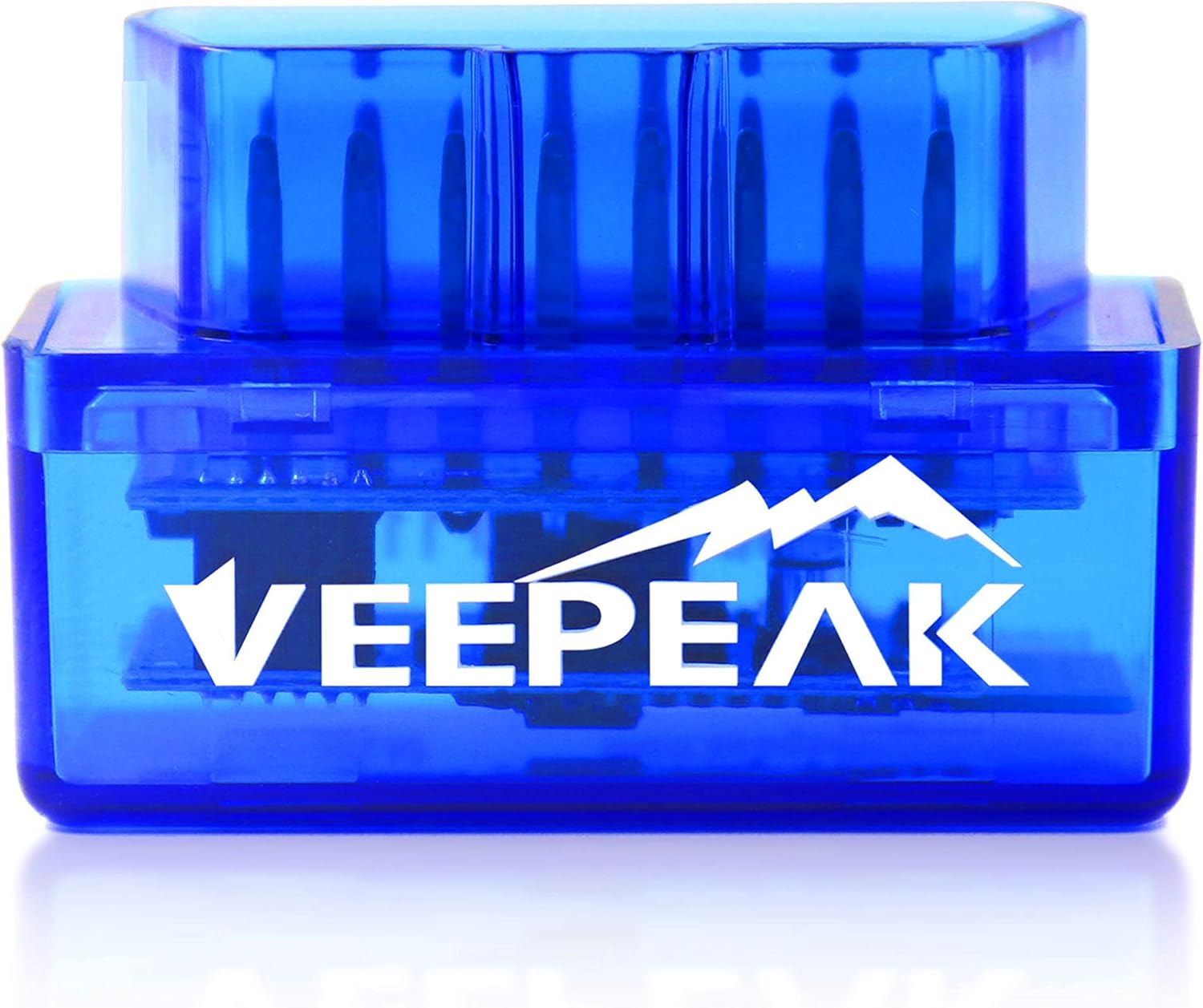
- Bluetooth LE connection
- Works with iPhone, Android
- BMW / BimmerCode ready
The apps and PC programs that make an ELM327 useful, which phone or laptop each one runs on, and the adapter each one needs.
Last updated September 2026For most drivers, Car Scanner on iPhone or Android is the first ELM327 app to try: free to start, with codes and live data. Torque Pro is Android only. On a Windows PC, FORScan handles Fords and Mazdas, while OBDwiz and OBD Auto Doctor cover general diagnostics.
Most people buy an ELM327 for one job: find out why the check-engine light is on without paying for a scan. A free ELM327 OBD2 app does that on both phone families.
Car Scanner ELM OBD2 is the usual first install. It runs on iPhone and Android, reads and clears codes, and shows freeze frame and live data, while the paid upgrade adds more. Adapter makers name it more often than any other app, and Veepeak points owners to Car Scanner to check whether their car has a connection profile.
Free apps cover the generic OBD2 data every car shares: codes, readiness monitors, coolant temperature, RPM, fuel trims and oxygen sensors. Manufacturer data, such as transmission temperature or ABS codes, is where paid tiers begin.
An ELM 327 OBDII app that is free can still be the only one you ever need. Plenty of owners never go beyond reading a code, looking it up and clearing it after the repair.
| App | Runs on | Cost model | Best at |
|---|---|---|---|
| Car Scanner ELM OBD2 | iPhone, Android | Free, paid Pro upgrade | Everyday codes, live data, make profiles |
| Torque Pro | Android only | Paid; Torque Lite is free | Custom gauges, logging, plugins |
| OBD Fusion | iPhone, Android | Paid, optional add-on packs | Enhanced data by make |
| OBD Auto Doctor | iPhone, Android, Windows, macOS | Free core, paid premium | Cross-platform basics |
| FORScan | Windows; FORScan Lite on phones | Free, extended licence for configuration | Ford, Lincoln, Mercury, Mazda modules |
| BimmerCode | iPhone, Android | Paid | BMW and Mini coding |
| OBDwiz | Windows | Included with OBDLink adapters | PC diagnostics |
App features, prices and platforms change with updates; the developer's own site has the current adapter list.
Torque Pro is the app many long-time ELM327 owners grew up with, and it only exists for Android. iPhone owners hunting for an ELM327 Torque setup need a different app, not a different adapter.
Torque's strength is customisation. You build dashboards from gauges and graphs, log trips, and add plugins for extra data. It works with Classic Bluetooth, BLE and Wi-Fi adapters. Hybrid owners often pair it with plugins or with Hybrid Assistant, another Android app that OBDLink names for the LX.
On an iPhone, the closest equivalents are:
Whatever the phone, the adapter must suit it. The ELM 327 iPhone rule never bends: Bluetooth LE, Wi-Fi, or an Apple-certified adapter like the OBDLink MX+. The Bluetooth guide explains why a Classic dongle stays invisible to iOS.
Switching phones later is the one trap. Torque dashboards do not move to an iPhone, so if a switch is likely, start with an app that runs on both.
Veepeak OBDCheck BLE |
OBDLink MX+ |
Vgate vLinker MC+ |
Vgate iCar Pro 2S |
Vgate vLinker FS USB |
Veepeak Mini (Android) | |
| Connection | Bluetooth LE | Bluetooth | Bluetooth LE | Bluetooth LE | USB | Bluetooth |
| iPhone | Yes | Yes | Yes | Yes | No | No |
| Android | Yes | Yes | Yes | Yes | — | Yes |
| Windows | — | Yes | Yes | Yes | Yes | — |
| FORScan | — | Yes | Yes | — | Yes | — |
| BMW coding | Yes | Yes | — | — | — | — |
| Check it out | Check it out | Check it out | Check it out | Check it out | Check it out |
An ELM 327 on Windows opens up the heavier software: FORScan for Fords, configuration tools, and data logging on a big screen. The adapter reaches the PC by USB cable or Classic Bluetooth.
Either way, Windows sees the adapter as a COM port. USB cables need a driver first: many cheap cables use a CH340 chip, others an FTDI chip, and the matching driver must be installed before the port appears. The USB guide covers that step in detail.
| ELM327 Windows program | What it is for |
|---|---|
| FORScan | Ford, Lincoln, Mercury and Mazda diagnostics, service functions and module configuration |
| OBDwiz | General diagnostics, included with OBDLink adapters |
| ELMconfig, FoCCCus, FF2 | Ford and Mazda configuration tools named for switched USB cables |
| AlfaOBD | Fiat, Alfa Romeo and Chrysler-group vehicles |
| OBD Auto Doctor | Cross-platform basics on PC and Mac |
Mac owners have fewer choices. FORScan needs Windows, and MOCATEC warns that its cable will not work on macOS or ARM-based Windows. An old Windows laptop kept in the garage is the usual answer for ELM 327 PC work, and it does not need to be fast.
A Classic Bluetooth 3.0 adapter that ships with the OBDLink app for Android and OBDwiz for Windows, and works with Torque and DashCommand. It stays invisible to iPhones, so buy it for Android and PC use.
Check it outBeyond generic codes, a set of make-specific apps turns an ELM327 into a coding or monitoring tool. These are the apps where the adapter choice matters most.
Some apps refuse generic adapters entirely. Veepeak names Carly, MHD, xHP, ProTool and bootmod3 as not compatible, and rules out ABRP for its Android adapter. Carista works with some third-party adapters, including the OBDLink MX+ and Vgate vLinker FD+, according to their makers.
Ford owners who want configuration on a laptop should read the FORScan guide before buying any cable. Owners of other makes will find app notes by brand in the car compatibility guide.
The costliest mistake is buying the adapter first and the app second. Decide what you want to see, pick the app, then buy an adapter that app supports.
One adapter can cover several of these. The OBDLink MX+ and Vgate vLinker MC+ both reach iPhone, Android and Windows, so a household with mixed devices can share one plug. A laptop cable like the vLinker FS USB is the opposite case: one job, Windows only, done very well.
The connection guide covers first-scan troubleshooting, and the AT command list lets you check an adapter with no app at all. That is the quickest way to prove whether a fault lies with the app, the adapter or the car.
Car Scanner ELM OBD2 is the usual pick: free on iPhone and Android, with codes, freeze frame and live data. Torque Lite is a free option on Android.
It needs an ELM327-compatible adapter over Bluetooth, BLE or Wi-Fi, which includes branded ones such as the OBDLink MX+ and Vgate's range. App-locked scanners such as FIXD and BlueDriver cannot be used with it.
No, Torque Pro is Android only. On iPhone, OBD Fusion, Car Scanner and DashCommand fill the same role.
A Bluetooth LE or Wi-Fi adapter, or an Apple-certified one like the OBDLink MX+. Connect from inside the app, not the phone's Bluetooth menu.
FORScan, OBDwiz, ScanMaster-ELM and OBD Auto Doctor are common choices. The adapter connects by USB cable or Classic Bluetooth and appears as a COM port.
You may have installed a look-alike app. Several adapter makers warn about copies of well-known names, so check the developer before paying.