Best adapters

ELM327 OBD2 Scanner: Read Your Check-Engine Light in Minutes

The ELM327 adapters drivers buy most: one plain all-rounder for any phone, one USB cable for FORScan on Fords, and one pro-grade pick that talks to every device.

Ranked by last month's sales · updated September 2026
30models ranked
12buying guides
Sep ’26sales data
2 OBDLink EX
Ford pick OBDLink EX
Best-selling FORScan USB adapter
  • USB cable for laptops
  • Works with Windows
  • FORScan-ready (HS/MS-CAN)
Check it out
3 OBDLink MX+
Pro pick OBDLink MX+
Best-selling pro-grade Bluetooth adapter
  • Bluetooth connection
  • Works with iPhone, Android, Windows
  • FORScan-ready (HS/MS-CAN)
Check it out
Check the #1 pick

Your check-engine light is on and the shop wants a diagnostic fee

An ELM327 OBD2 adapter is a small plug that sits in the diagnostic port under your dashboard and lets a phone or laptop ask the car's computers what is wrong. ELM327 started as a chip from Elm Electronics; today the name mostly means the command language, so dozens of brands build adapters that speak it.

The adapter has no screen. An app does the talking, which is why an ELM327 OBD2 scanner costs less than most handheld code readers and can show more once you pick the right software.

Every car sold in the US since the 1996 model year has the port, usually within reach of the steering column. Plug in, open the app, and the everyday jobs look like this:

  • Read trouble codes such as P0420 and learn what they mean before anyone quotes you a repair.
  • Clear the light after a fix, and check the readiness monitors before an emissions test.
  • Watch live data: coolant temperature, RPM, fuel trims, oxygen sensor voltages.
  • Look at freeze frame, the snapshot the engine computer saved the moment the fault set.

None of this needs tools or a subscription. An ELM327 speaks the car's own standard, so the same dongle moves from a 2003 pickup to a 2021 hatchback, as long as both have the 16-pin port and the app knows the adapter.

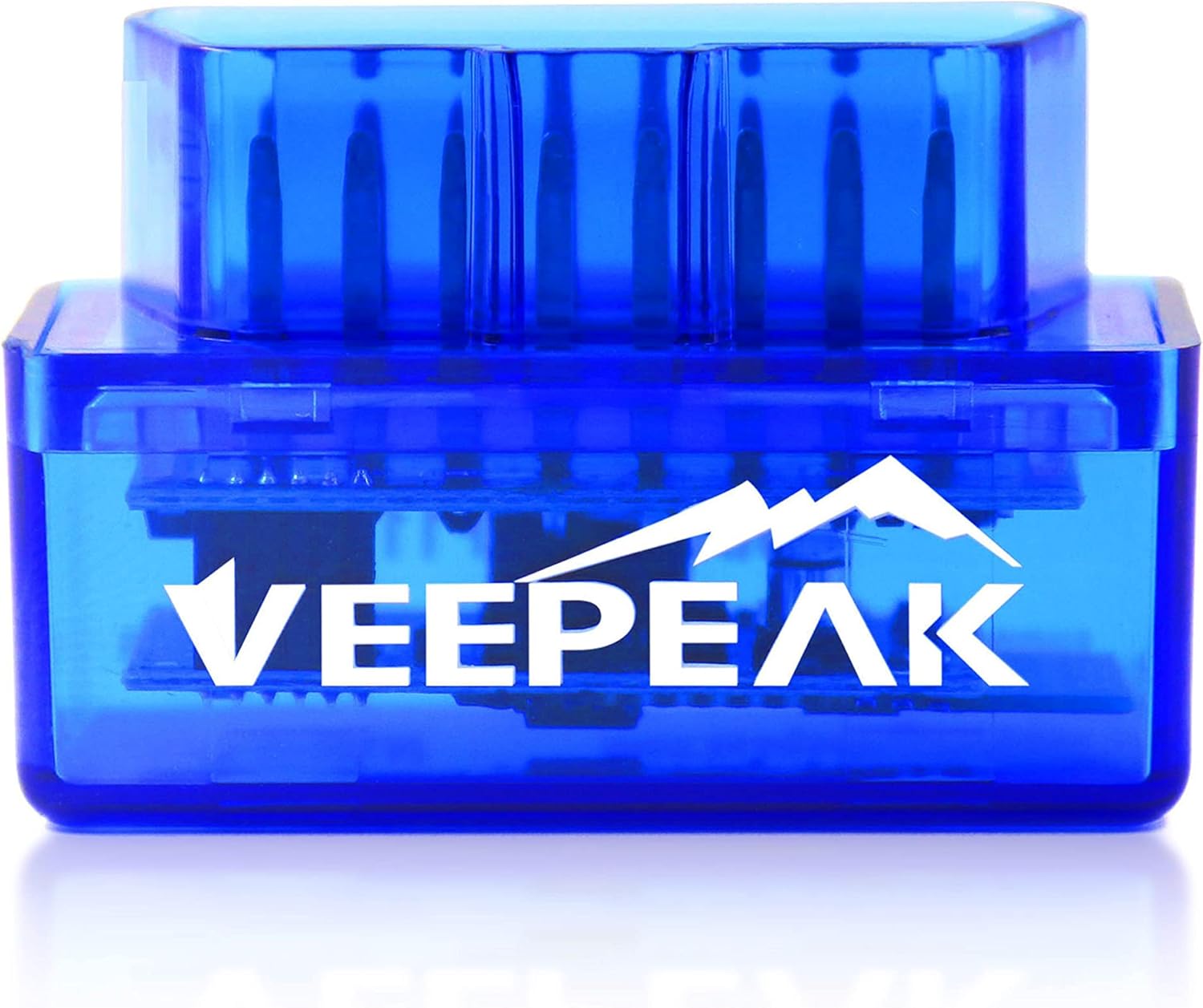
Three adapters cover the drivers who ask most often. The Veepeak OBDCheck BLE is the plain all-rounder for iPhone and Android. The OBDLink EX is a USB cable built for FORScan on Fords and Mazdas. The OBDLink MX+ is the step up for people who want manufacturer data and a Windows laptop in the mix as well.

An ELM327 dongle is only half the kit. The app decides what you see, so check that your app supports the adapter before you buy either one.
Adapter finder

Tell us your phone and car, get one adapter

What will you connect?
What do you drive?
What matters most?
Veepeak OBDCheck BLE
Best for your carVeepeak OBDCheck BLE

Why it suits you: Bluetooth LE that iPhones connect to, and the most bought adapter for everyday code reading.

  • Bluetooth LE connection
  • Works with iPhone, Android
  • BMW / BimmerCode ready
Check it out Adapter review →

Three questions that pick the adapter for you

Three answers rule out most wrong buys: what you will connect, what you drive, and whether you want reliability or the lowest cost. The reasoning behind each one follows, so you can trust the answer you get.

What will you connect?

Phones are the big split. An iPhone only talks to adapters that use Bluetooth Low Energy (BLE), Wi-Fi, or Apple's own accessory certification. Android phones pair with almost anything wireless, including the older Classic Bluetooth dongles that iPhones ignore.

A Windows laptop opens a third path: a USB cable. It never drops out, which matters when software writes settings into a module. Windows also pairs with Classic Bluetooth adapters, which appear as a virtual COM port that PC programs can open.

What do you drive?

Your carWhat the adapter needsWhy
Ford, Lincoln, Mercury, MazdaHS-CAN plus MS-CAN accessMany body and comfort modules sit on Ford's slower MS-CAN bus, which a plain adapter cannot reach
BMW or MiniAn adapter the BimmerCode team supportsCoding moves large blocks of data, and weak adapters time out
GMOptional single-wire CAN (SW-CAN)Some GM body modules use it; engine codes do not
Anything else, 1996 or newerAny decent ELM327Engine codes and live data travel over the standard protocols

Works every time, or lowest cost?

The cheap answer is fine for reading an engine code twice a year. If you plan to leave the adapter plugged in, log data on long drives or code features, spend more. Branded adapters sleep properly, take firmware updates and answer the full command set.

If two answers pull in different directions, the device wins. A perfect Ford cable is useless to someone who only owns an iPhone, while a BLE adapter still reads Ford engine codes.

Adapter vs adapter

Six top adapters, row by row

Veepeak OBDCheck BLE Veepeak OBDCheck BLE OBDLink EX OBDLink EX OBDLink MX+ OBDLink MX+ OBDLink CX OBDLink CX Veepeak OBDCheck BLE+ Veepeak OBDCheck BLE+ Vgate vLinker FS USB Vgate vLinker FS USB
ConnectionBluetooth LEUSBBluetoothBluetooth LEBluetooth LEUSB
iPhoneYesNoYesYesYesNo
AndroidYes—YesYesYes—
Windows—YesYes——Yes
FORScan—YesYes——Yes
BMW codingYes—YesYes——
Check it out Check it out Check it out Check it out Check it out Check it out
Details

Detailed specs for these adapters

Veepeak OBDCheck BLE
Brand
Veepeak
Model
BLE
Wireless link
Bluetooth LE
Operating systems
iOS and Android (head units excluded)
Power
From the OBD-II port
Vehicle coverage
Most 1996+ US cars and light trucks, generic OBD-II
Functions
Read and clear codes, freeze frame, I/M readiness, live data
Not supported
ABS/SRS, oil light and service reset
In the box
Adapter, mini carrying case, instructions
Size
1.61 × 1.97 × 0.87 in
Wi-Fi
No, Bluetooth LE only
EVs and hybrids
App-dependent; check in Car Scanner
Adapter review →Check it out
OBDLink EX
OBDLink EX
Brand
OBDLink
Model
EX101
Link type
USB, wired
Computer
Windows PC or laptop
iPhone / Android
No
Primary software
FORScan; recommended by the FORScan team
Vehicles
All FORScan-compatible vehicles: Ford, Lincoln, Mercury, Mazda
Ford coverage
All Ford protocols, modules and advanced FORScan features
Bus switching
Electronic; all CAN buses simultaneously
Throughput
Up to 20 times faster than toggle-switch adapters
Connection integrity
Designed to avoid data corruption and dropped packets
Processor
OBDLink STN-family OBD interpreter
Adapter review →Check it out
OBDLink MX+
OBDLink MX+
Brand
OBDLink
Model
MX201
Chip
OBDLink STN family, ELM327 command set compatible
Wireless link
Bluetooth, Apple MFi certified
Operating systems
iOS, Android, Windows
Ford MS-CAN
Supported
GM SW-CAN
Supported
Enhanced OEM data
Ford, GM, Mazda, Nissan/Infiniti, Toyota/Lexus/Scion, Honda, Hyundai, Kia
Extra live data
ABS, SRS, TPMS and more, vehicle-dependent
Recommended by
FORScan, Torque, BimmerCode, DashCommand, AlfaOBD, Carista
Protection
Over-voltage and battery drain protection
Firmware
Updates included
Adapter review →Check it out

Connection, iPhone, FORScan: the specs that decide a purchase

Six specs decide most ELM327 purchases, and each works as a filter rather than a score. Start with the one that matches the device in your hand, then narrow down by car and job.

  • Connection tells you how the adapter reaches your device: Bluetooth LE, Classic Bluetooth, Wi-Fi or a USB cable.
  • iPhone support prevents the most returns. A No means the adapter uses Classic Bluetooth or USB, and iOS will not see it.
  • Android is almost always yes for wireless adapters. Car head units running Android are a different story, and several makers warn they may not connect.
  • Windows matters for FORScan, OBDwiz and other laptop programs. The MX+ reaches a Windows PC over Bluetooth, while the two Ford cables plug in by USB.
  • FORScan and BMW coding mark adapters whose maker names those jobs up front.

When a maker does not headline a job, that is not the same as a proven no. The OBDLink MX+ is the clearest case: OBDLink recommends it for FORScan, BimmerCode and Carista even though its name mentions none of them.

Check the app developer's own compatibility list before buying for coding. FORScan, BimmerCode and Carista each publish the adapters they support, and that list beats any box copy.

Two specs deserve a second look on the Ford cables. The OBDLink EX and the Vgate vLinker FS USB show Windows but no phone support, by design: they are laptop cables. That is a strength for programming, and a dead end if you only own a phone.

The Veepeak OBDCheck BLE+ is worth a note too. Next to its BLE link it keeps a Classic Bluetooth mode for certain Android apps, which helps when an older app only knows Classic.

By situation

The right dongle for your situation

Veepeak Mini (Android)
Best on a budget (Android) Veepeak Mini (Android)

A Classic Bluetooth dongle for Android phones and tablets that reads codes and live data with Car Scanner or Torque. Veepeak states outright that it will not work on an iPhone.

Check it out
OBDLink CX
Best for BMW and Mini OBDLink CX

Made for BimmerCode and recommended by its team, with in-app pairing on iPhone and Android. Its sleep mode lets it stay plugged in between coding sessions.

Check it out
Vgate vLinker MC+
Best for every device Vgate vLinker MC+

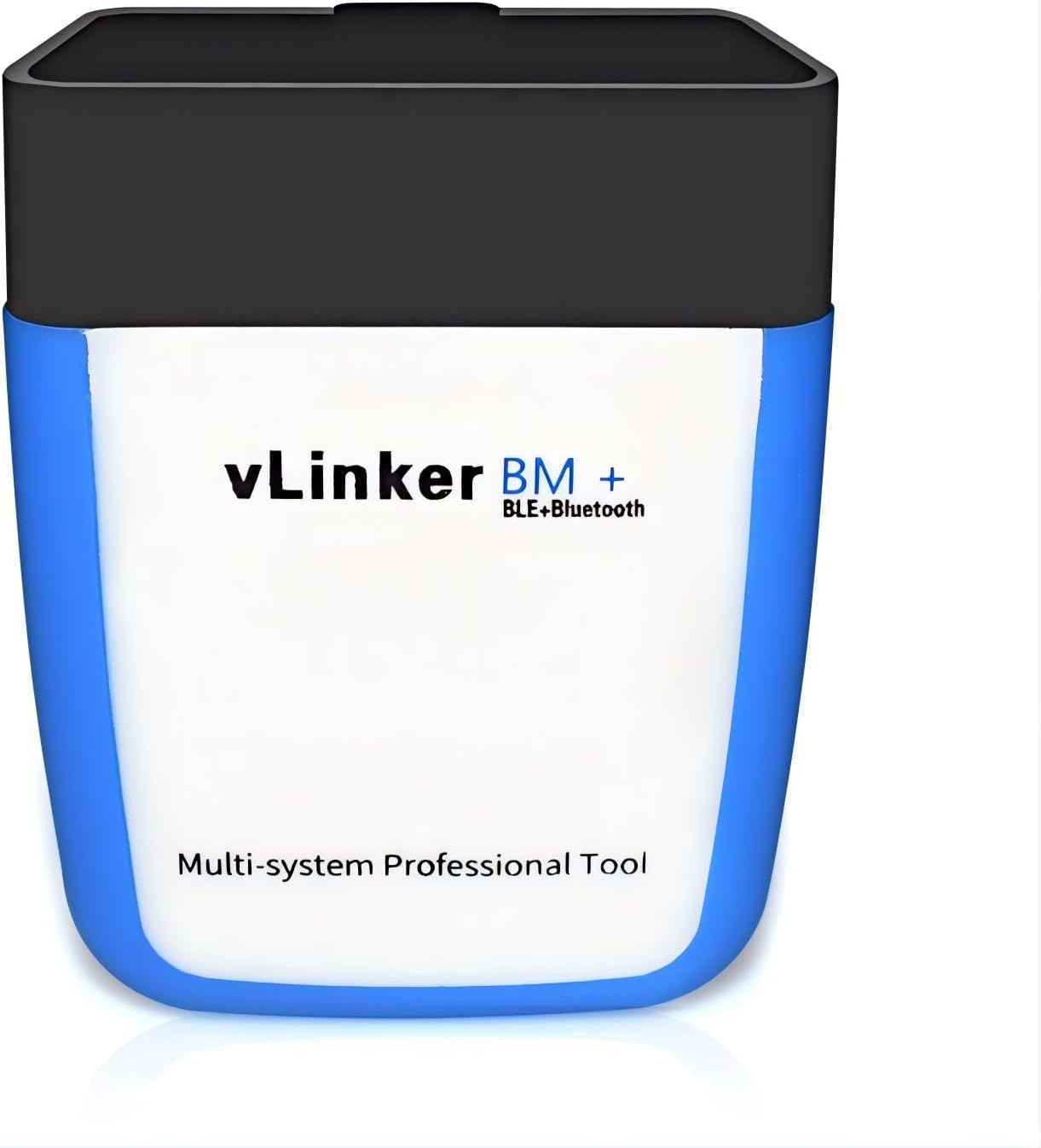
Connects to iPhone, Android and Windows, and reaches GM single-wire CAN and Ford MS-CAN on top of the five standard OBD2 protocols.

Check it out
OBDMonster ELM327 USB
Best cheap FORScan cable OBDMonster ELM327 USB

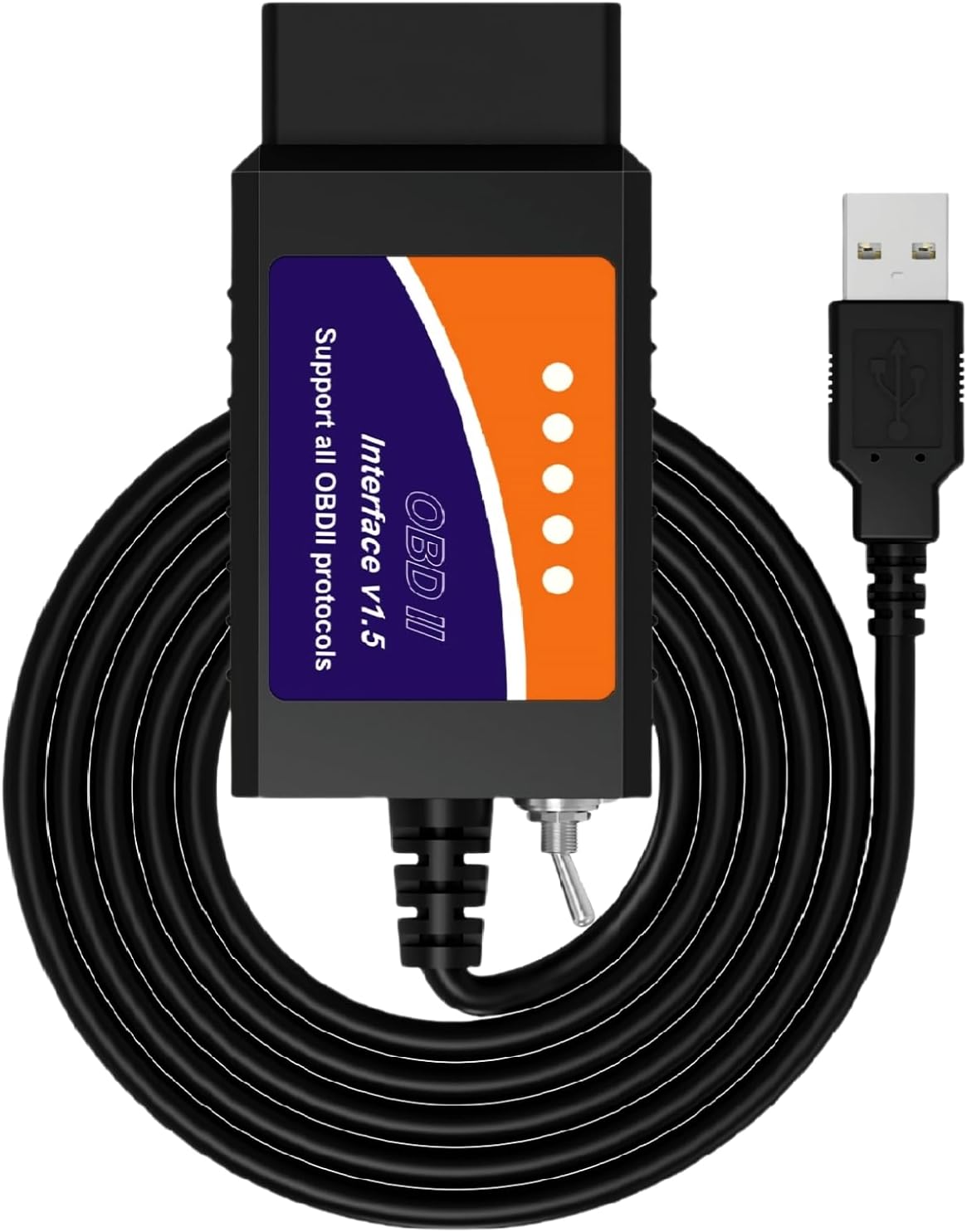
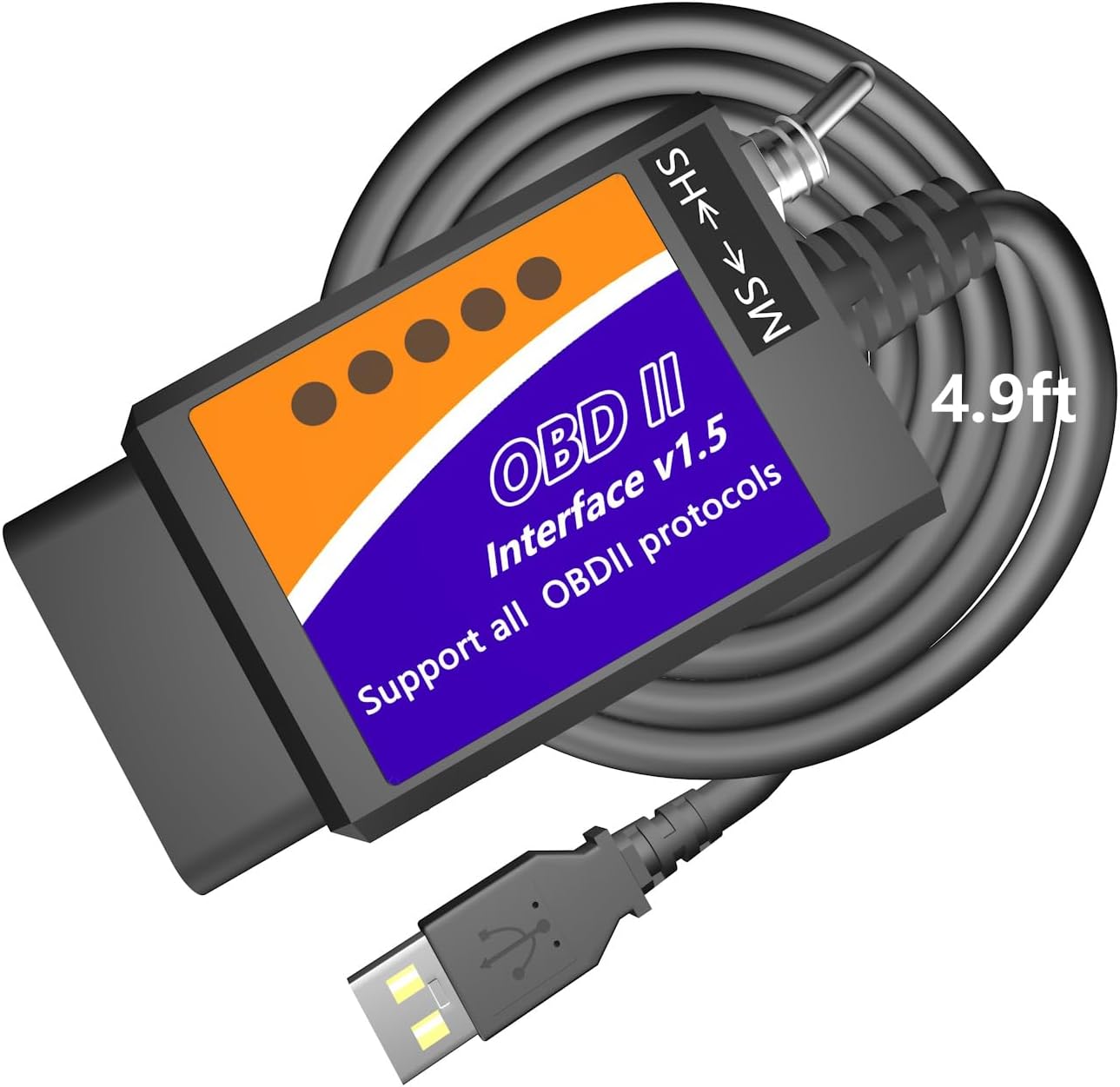
A USB ELM327 with a manual HS/MS-CAN toggle, the switched design Ford configuration software needs for body and comfort modules. Install its CH340 driver before the first run.

Check it out

Four drivers, four different dongles

Four common situations call for four different adapters. Here is who each suits, told as the kind of problem people bring to the counter.

The Android owner with a warning light and a tight budget. A Classic Bluetooth dongle paired with Torque Pro or Car Scanner reads the code, shows freeze frame and clears the light. Veepeak states plainly that its Android pick will not work with an iPhone, so there is no guesswork. Expect engine data only: it does not cover ABS, SRS, transmission or HVAC, and it does no oil-light resets.

The BMW or Mini owner who wants to change settings. The OBDLink CX is made for BimmerCode, so it can change lighting behaviour, comfort features and more, depending on the car and model year. BimmerCode itself is a separate purchase.

The household with an iPhone, an Android tablet and a Windows laptop. The Vgate vLinker MC+ connects to all three and adds GM's single-wire CAN and Ford's MS-CAN to the standard protocols. It suits the person who fixes the whole family's cars.

The Ford owner who wants hidden features. A switched USB cable reaches the modules FORScan configures: global window control, Bambi mode, tire size correction. Ford cables differ mainly in how they switch networks:

  • A toggle switch is cheap, but you flip it by hand when the software asks.
  • An automatic switch, as on the vLinker FS USB or OBDLink EX, handles the buses for you and runs faster.
  • Either way, keep a battery charger connected while you program a module.
  • Which features appear depends on the factory modules your car has; MOCATEC says as much about its own cable, and the same holds for every adapter.

No job on that list needs the most expensive adapter. They need the right one for the car and the device you already own.

What sells

How ELM327 adapters connect

ELM327-compatible adapter families, counted by connection type, September 2026.

Why Bluetooth fills most of the shelf

Bluetooth adapters outnumber USB cables more than three to one, and Wi-Fi models are down to a handful. That mix follows the phone in your pocket.

Bluetooth won because it needs no setup beyond an app. Bluetooth LE then solved the iPhone problem, which had kept Wi-Fi adapters alive for years. A Wi-Fi adapter makes the phone join the adapter's own network, so mobile data often stalls while you scan.

USB cables survive for one reason: laptops running FORScan and similar programs. A wire cannot drop out halfway through a module write, and that settles it for Ford owners doing configuration.

Inside the Bluetooth group there are two worlds:

  • Branded adapters from OBDLink, Vgate, Veepeak and LELink. They name their firmware or chip, publish app lists, and most describe a sleep mode.
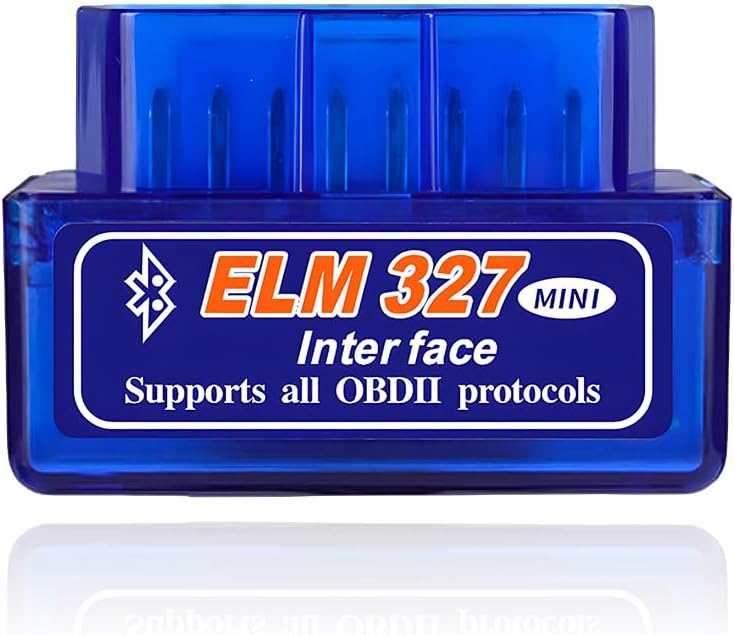
  • Generic clones under many brand names, often labelled v1.5 or v2.1. The same board turns up again and again with a different sticker.

Within Bluetooth, the Classic and BLE split matters too. Classic dongles remain the cheapest Android route, while BLE models cost a little more and cover both phone families with one plug.

ELM327 OBD2 scanner features printed on the box are mostly app features. Reads ABS and SRS means some app can do it on some cars through that adapter, not that the adapter does it alone. Veepeak says this outright: advanced systems depend on third-party apps, which are usually paid.

Wi-Fi still makes sense for a spare phone kept in the car only for scanning, where losing mobile data does not matter.

Sleep current is the spec to compare if the adapter stays plugged in. Several Vgate models drop to about 3 mA when idle, and LELink's standby can be set to draw practically nothing. A healthy battery shrugs off a draw that small for weeks.

All adapters

Every ELM327 adapter, by connection

30 adapter families, sorted into Bluetooth, USB and Wi-Fi. Open any one to see which phones, laptops and cars it suits.

Bluetooth adapters 21
USB cables 6
Wi-Fi adapters 3

Before you buy: what the box copy promises

Marketing text is where most bad buys start. It is written for search engines rather than drivers, so read every claim on the box with a mechanic's squint.

  1. Supports all OBD2 protocols. True of the genuine ELM327 command set, which covers J1850 PWM and VPW, ISO 9141-2, KWP2000 and CAN. Some cheap clones answer the commands but fail on the older non-CAN protocols, which hits pre-2008 cars hardest.
  2. v2.1 on a budget dongle. Elm Electronics did release a real v2.1, but many clone boards wear the label while skipping commands. The v1.5 vs v2.1 guide covers how to tell.
  3. Bluetooth 5.0 or 4.0. The number describes the radio. What matters for an iPhone is whether the adapter uses Bluetooth LE, and the maker should say iOS outright.
  4. Works with all apps. No adapter does. Veepeak, for example, names Carly, MHD and bootmod3 as not compatible with its BLE models.
  5. Imitation apps. Several makers warn that look-alike apps charge subscriptions. Install Car Scanner, Torque or OBD Fusion from the named developer.
  6. Works with your car stereo. Veepeak and Vgate both warn that Android head units may not connect, even when your phone does.
  7. Works on hybrids and EVs. Support there depends on the app. Veepeak points buyers to Car Scanner to check for a connection profile first, and Vgate's iCar Pro 2S adds remote wake-up for electric and hybrid cars.

ELM327 price follows those promises. The cheapest clones handle the basic engine jobs on many cars. The middle tier buys a known chip, a sleep mode and a maker who answers email.

The top tier adds speed, manufacturer protocols and firmware updates. That pays off when you code modules or log data for hours, and it is wasted on a once-a-year code check. For most drivers the middle tier is where the money goes furthest.

Help & how-to

Answers for the next question

It arrived. Now what do you plug in first?

Most adapters work within ten minutes, and most that do not are one pairing or app setting away from working. This order saves the most head-scratching.

  1. Find the port. It is usually under the dash, left of the steering column; some cars hide it behind a small cover.
  2. Turn the ignition on, then push the adapter in firmly. A loose fit is a common cause of a cannot-connect-to-ECU error.
  3. On an iPhone with a BLE adapter, skip the phone's Bluetooth menu and connect from inside the app. On Android with a Classic adapter, pair in settings first; the PIN is usually 1234 or 0000.
  4. Choose the adapter type in the app, then let it detect the protocol automatically. Car Scanner, Torque and OBD Fusion all have a connection menu for this.
  5. Read the codes and write them down before you clear anything.

That last step matters. Clearing codes also wipes freeze frame data and resets the readiness monitors, so a car headed for an emissions test can fail until it has driven enough to rerun them.

If the app reports no connection to the ECU, try again with the engine running, then pick the protocol by hand. On older cars the automatic search can take a while before it settles.

Leaving an adapter plugged in is fine when it has a real sleep mode. Cheap clones may keep drawing current, so unplug those if the car will sit for more than a few days.
Driver questions

Asked at the counter

Will an ELM327 OBD2 adapter work on my car?

Petrol cars sold in the US from the 1996 model year have the OBD2 port and the standard protocols. European petrol cars followed in 2001 and diesels around 2004 under the EOBD rules. On hybrids and EVs, what you can read depends on the app.

Which ELM327 works with an iPhone?

One that uses Bluetooth LE or Wi-Fi, or an Apple-certified adapter such as the OBDLink MX+. Classic Bluetooth dongles marked Android only will not show up on iOS.

Do I have to pay for an app?

Not to read and clear engine codes: Car Scanner has a free version on iPhone and Android, and Torque Lite is free on Android. Paid apps and add-ons unlock manufacturer data, coding and extra dashboards.

Can an ELM327 read ABS or airbag codes?

Sometimes. The adapter passes the requests along, but only an app with a profile for your make knows what to ask, and those features are often paid.

Is it safe to leave the dongle plugged in?

Adapters with a proper sleep mode draw very little once the car is off. Clones without one can flatten a weak battery over several days, so unplug them when the car is parked for long.

How is an ELM327 different from a code reader?

A code reader has its own screen and buttons and works alone. An ELM327 has no screen and needs a phone or laptop app, but that app can show far more live data and grow with paid add-ons.

Standalone scanners

Rather have a screen in hand?

These are standalone code readers and app-locked scanners, not ELM327 adapters. They work alone or with their own app, which suits drivers who never want to choose software.