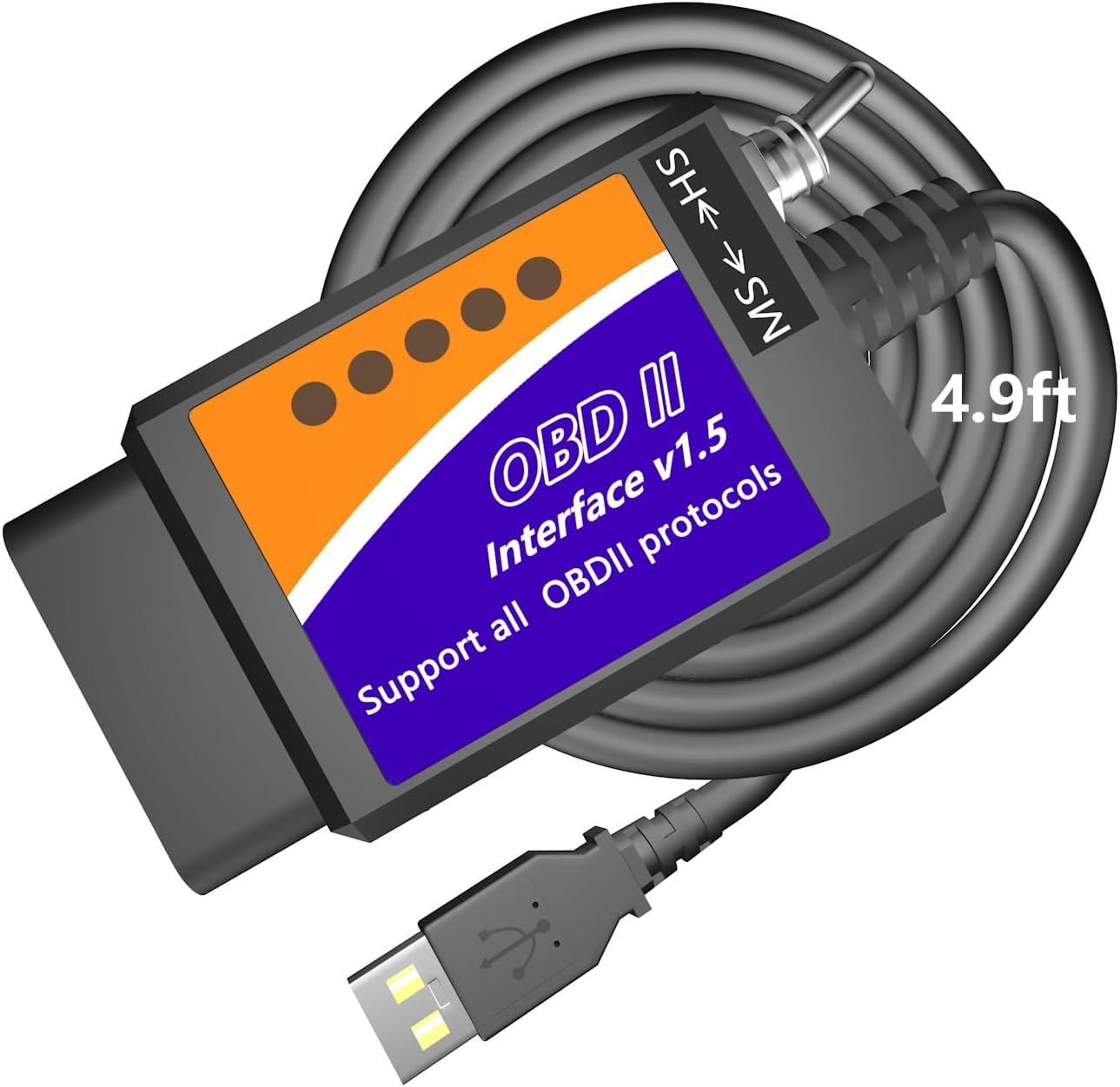
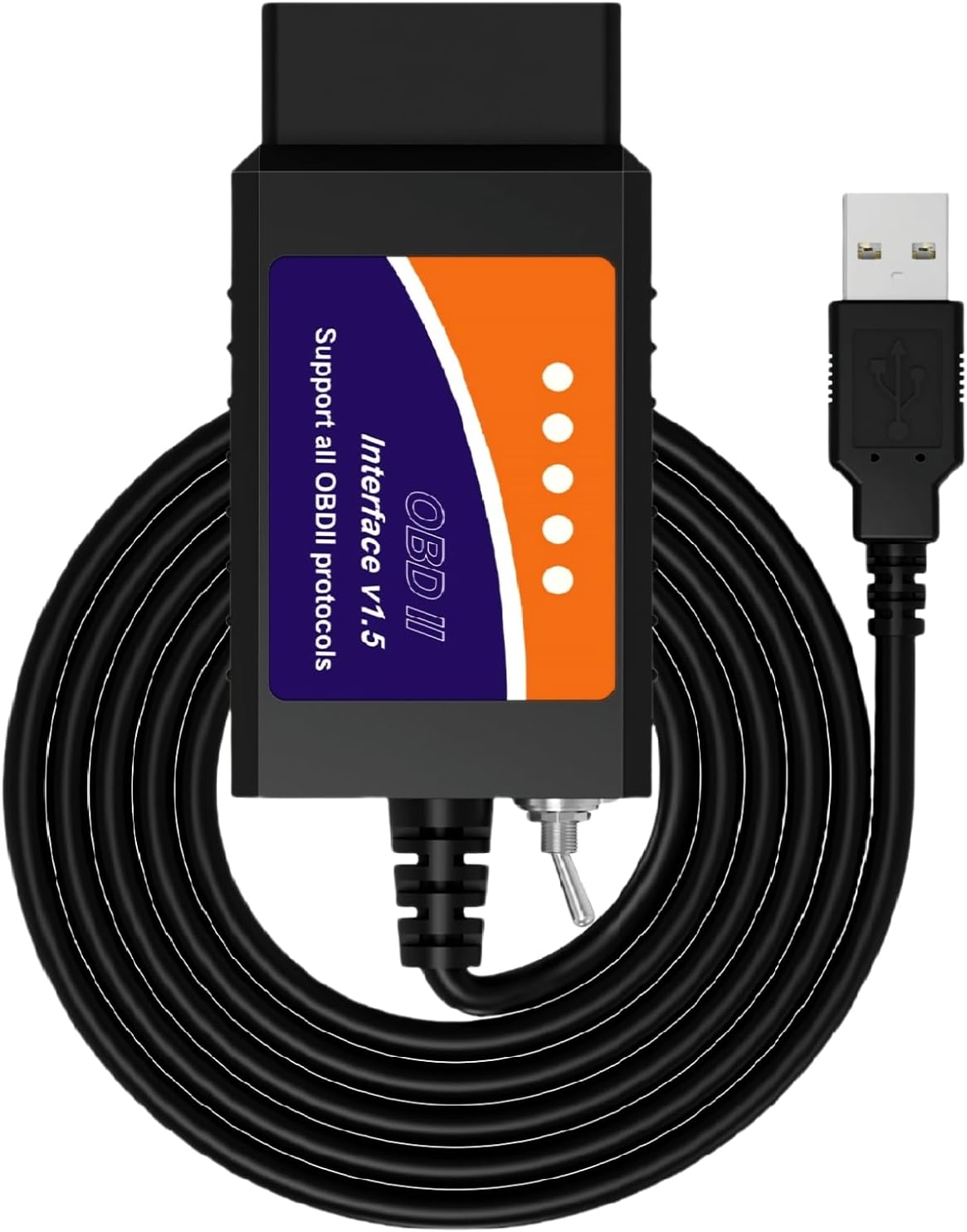
- USB cable for laptops
- Works with Windows
- FORScan-ready (HS/MS-CAN)
A USB ELM327 is the cable you want when a laptop does the work: FORScan on a Ford, long logging runs, or anything where a dropped Bluetooth link would hurt. The small USB chip inside decides how painless the driver setup is.
Last updated September 2026Get a USB ELM327 if you use Windows software such as FORScan, ELMconfig or FoCCCus and want the steadiest link. FTDI-based cables have the most mature drivers and a tunable latency setting; CH340 cables work fine once the WCH driver is installed.
Bluetooth is handier for reading a code on your phone. A USB cable wins as soon as a laptop is involved and the session runs longer than a minute or two. There is no pairing, no radio interference and no link to drop halfway through.
That steadiness matters most when software writes to the car rather than just reading it. Changing module settings in FORScan, running a service procedure or logging a long test drive all go badly if the connection vanishes mid-task.
The trade-off is plain. A USB cable ties you to a laptop, and most are Windows-only in practice because the software is. Phones need a Bluetooth ELM327 instead: BLE for an iPhone, either type for Android.
| FTDI FT232RL | WCH CH340 | |
|---|---|---|
| Maker | FTDI, Scotland | WCH (Qinheng), China |
| Windows driver | FTDI VCP driver; Windows 10 and 11 often install it automatically | CH341SER driver from WCH; often automatic on Windows 10 and 11, otherwise a quick install |
| Latency setting | Adjustable in Device Manager (default 16 ms) | No equivalent setting |
| macOS and Linux | Built-in support on recent macOS; Linux ftdi_sio module | Built-in on recent macOS; Linux ch341 module |
| Counterfeits | Fake FT232 chips exist and have clashed with official drivers | Cheap and plentiful, so rarely faked |
| Typical use | Pricier switched FORScan cables | Budget cables such as the OBDMonster |
Driver names and settings from FTDI's and WCH's published documentation. Automatic driver installs depend on your Windows version and update settings.
Every USB ELM327 has two chips that matter. One speaks to the car; the other, a USB-to-serial bridge, speaks to the laptop and makes the cable appear as a COM port. That bridge is almost always an FTDI FT232RL or a WCH CH340.
Both do the job. The differences show up in driver handling and fine-tuning rather than in which cars you can scan.
One warning about FTDI: counterfeit FT232 chips exist. In 2014 an official FTDI driver update disabled many fakes, and FTDI withdrew it after complaints. A cable claiming an FTDI chip at a rock-bottom price may carry a copy.
If a cable names neither chip, you learn which bridge it uses when Windows shows the device name. Most unnamed budget cables turn out to use a CH340.
OBDLink EX |
Vgate vLinker FS USB |
MOCATEC USB FORScan Adapter |
OBDMonster ELM327 USB |
bbfly BF32302 USB FORScan Cable |
Generic ELM327 USB FORScan cable | |
| Connection | USB | USB | USB | USB | USB | USB |
| iPhone | No | No | No | No | No | No |
| Windows | Yes | Yes | Yes | Yes | Yes | Yes |
| FORScan | Yes | Yes | Yes | Yes | Yes | Yes |
| Check it out | Check it out | Check it out | Check it out | Check it out | Check it out |
Driver trouble is the most common reason a new USB ELM327 seems dead. The fix takes five minutes. Do it before you head to the car, since the laptop side works without the car connected on most cables.
Skip driver discs and random download sites. The chip makers' own drivers are current and signed, which newer Windows versions insist on.
Most clone ELM327 cables talk at 38,400 baud by default, and software normally detects the speed on its own. If a program asks, try that first. You can test the link by hand with a few ELM327 AT commands from a terminal.
The MOCATEC cable runs 4.9 feet, long enough to rest the laptop on your knees or reach the passenger seat without straining the port. It has an HS/MS-CAN toggle for FORScan on Ford, Lincoln, Mercury and Mazda, and runs on x86/x64 Windows XP to 11.
Check it outThe cable itself is rarely the limit on a Mac. Recent macOS versions include drivers for FTDI and CH340 bridges, and the adapter appears as a serial device. The problem is software: FORScan and most of the Ford tools are Windows programs.
That leaves Mac owners with a few workable routes, none of them perfect.
The ARM point applies to Windows laptops too. MOCATEC, for one, states its cable is for x86/x64 Windows and not ARM-based Windows, so check the processor in your laptop before buying.
If none of that appeals, a Bluetooth adapter with FORScan Lite on a phone covers much of the same ground. The vLinker FD+ is built for exactly that, though FORScan on Ford and Mazda still needs the full Windows version for some jobs.
USB ELM327 cables live a hard life. They get stepped on, pulled at an angle and flexed at the port every session. A few details separate a cable that lasts from one that fails at the strain relief within a season.
Store the cable loosely coiled, not wrapped tight around the plug. Most failures start where the wire enters the housing.
If the car sits for long spells, unplug the cable after each session. It costs nothing and removes any chance of a slow drain through the port.
Yes. The cable needs a driver for its USB chip: FTDI's VCP driver or WCH's CH340 driver. Windows 10 and 11 often install it automatically.
FTDI has more mature drivers and an adjustable latency timer, which helps with FORScan. CH340 cables work fine for reading codes and most configuration once the driver is installed.
The driver is missing or the wrong one is installed. Check Device Manager for an unknown device and install the driver for the cable's chip.
The cable usually appears as a serial device on recent macOS, but FORScan and most Ford tools are Windows-only. Use Windows on another laptop or in a virtual machine.
Rarely. A few Android apps accept USB adapters through an OTG cable, but Bluetooth adapters are the normal choice for phones.
From the maker of the cable's USB chip: FTDI's site for FT232RL cables, WCH's site for CH340 ones. Plug the cable in first and Device Manager's device name tells you which of the two you have.