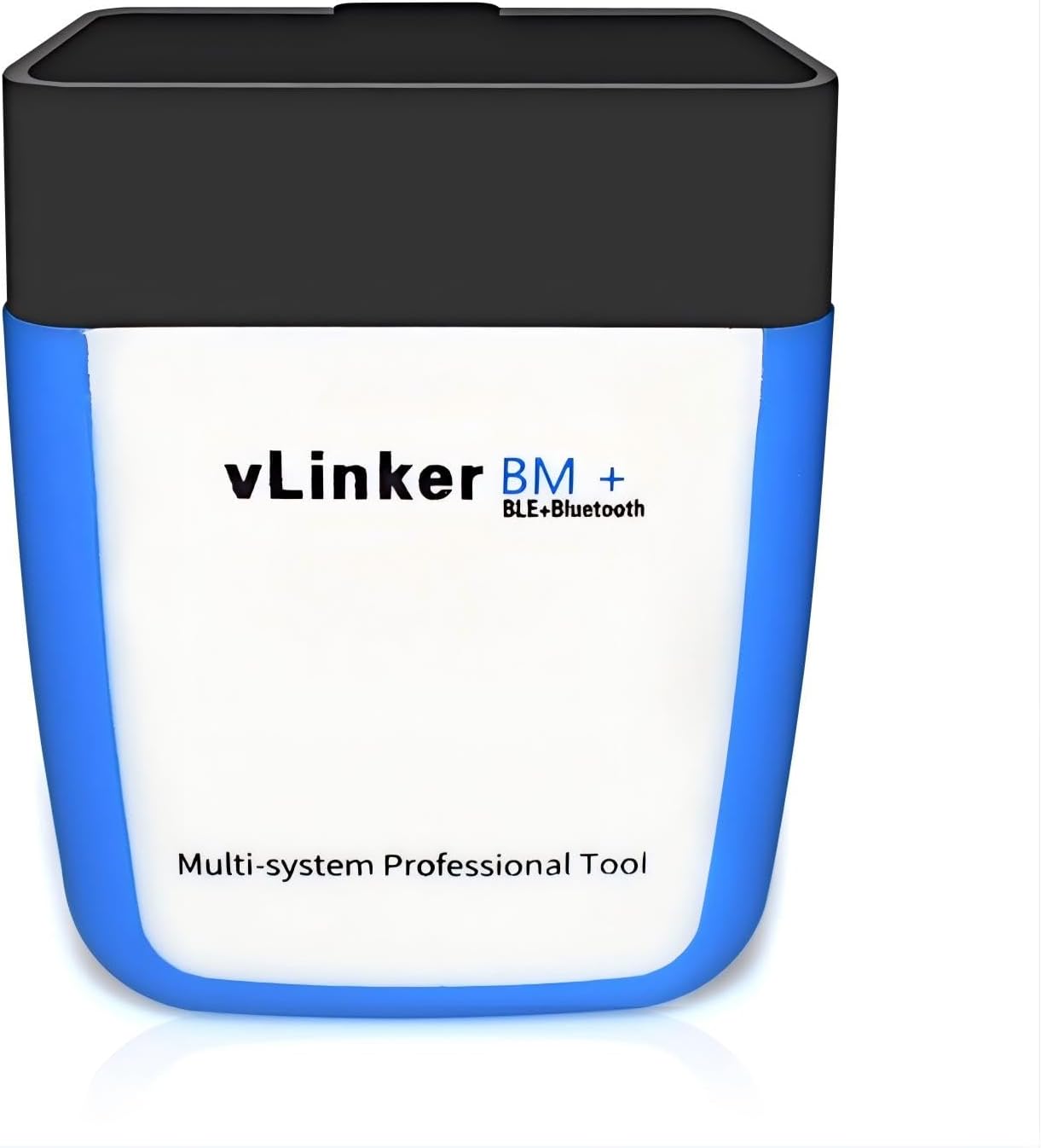
Best adapters
BMW / Mini coding adapter · Bluetooth 3.0 · Android & Windows

Vgate vLinker BM

The vLinker BM is the Android-and-Windows sibling in Vgate's BMW range: a Classic Bluetooth 3.0 dongle made for BimmerCode and BimmerLink, with a 2K data buffer and a 3 mA sleep mode.

  • ConnectionBluetooth 3.0 (Classic)
  • DevicesAndroid and Windows; not iPhone or iPad
  • BMW appsBimmerCode, BimmerLink
  • BimmerCode coverageEvery vehicle the app supports
  • Current draw51 mA working, 3 mA asleep
  • Weight25 g
Works well for
  • Android-only households coding a BMW or Mini
  • Owners of 2008-and-older E-series cars who code on Android
  • Windows laptop users running ELM327 software over Bluetooth
  • Leaving in the port, thanks to the 3 mA sleep current
Avoid if
  • Anyone who plans to code from an iPhone or iPad
  • Ford owners who need MS-CAN in FORScan
  • 24V trucks and heavy diesels
Check it out

An Android phone, a BMW and a coding app that needs speed

BimmerCode is the reason most BMW and Mini owners buy an OBD2 adapter at all. The app switches on settings the car already carries, and it moves far more data than a code reader does. The vLinker BM is Vgate's answer for owners who code from an Android phone or a Windows laptop.

Inside, the BM is tuned for long, heavy sessions. Vgate gives it a USART buffer of up to 2K bytes, raises the serial rate to 230.4 kbps and accepts OBD requests up to 1024 bytes long. Those figures matter for the long frames coding tools send, where the small buffer of a cheap clone chokes and the app reports a lost connection.

The radio is Classic Bluetooth 3.0. That is the serial-style link Android and Windows have always spoken, and it is the reason iPhones cannot use it. Apple only lets ordinary apps reach Bluetooth LE accessories, so the BM never appears on an iPhone at all.

  • BimmerCode: Vgate states 100% coverage of the vehicles the app supports, and the BimmerCode team recommends the BM.
  • BimmerLink: fault codes across modules, live values and model-specific extras.
  • General OBD2 apps: Torque Lite and Pro, Car Scanner, OBD Fusion, DashCommand, JScan and inCarDoc on any 1996-or-newer car.

Bi-directional tests, where the app asks a module to run a component, depend on the app and the car rather than on the adapter. The BM passes the commands along; the software decides what it can offer on your model. For what a Bluetooth link can and cannot do in general, the ELM327 Bluetooth guide covers the basics.

Details

Technical details

SpecValue
BrandVgate (vLinker)
ModelvLinker BM BT3.0
Link typeBluetooth 3.0 (Classic)
iPhone / iPadNo
AndroidYes
WindowsYes
Command setELM327 AT and ELM329 AT commands
Data bufferUSART buffer up to 2K bytes
Serial rate230.4 kbps
OBD request lengthUp to 1024 bytes for long-frame communication
BMW coverage100% of vehicles supported by BimmerCode; TP transport protocol
Named appsBimmerCode, BimmerLink, Torque Lite/Pro, Car Scanner, OBD Fusion, DashCommand, JScan, inCarDoc
Operating current51 mA
Sleep currentAs low as 3 mA, automatic sleep, up to 3 wake-up triggers
ProtectionOver-voltage, over-current, over-temperature, battery drain
Vehicles1996+ 12V petrol; 1996+ 12V diesel up to 6.5 t; EOBD and JOBD; not 24V
Weight25 g
In the boxAdapter, user manual, packing box

Your E90 or E60 is older than 2008, and your phone runs Android

Older BMWs are where the BM earns its place in Vgate's range. Its Bluetooth LE sibling, the vLinker BM+, carries a warning that BimmerCode on iOS has connection limits on 2008-and-older E- and R-series cars, and Vgate steers those owners to Android. The BM is Android-first by design, so that warning never touches it.

That makes the choice simple for a lot of owners. If every phone in the house runs Android, the BM covers the whole BimmerCode vehicle list, old chassis included, with no split between models.

Your setupvLinker BMvLinker BM+
Android phone, newer BMWYesYes
Android phone, 2008-or-older E-seriesYesYes
iPhone, newer BMWNoYes
iPhone, 2008-or-older E-seriesNoLimited
Windows laptopYesYes

A few habits make older-car coding go smoothly:

  1. Hook up a battery charger or maintainer, because an E-series with a tired battery sags quickly with the ignition on.
  2. Let BimmerCode identify the car and back up each module before you change a value.
  3. Keep the phone on charge and stop the screen from sleeping mid-session.
  4. Change one setting at a time, then test it before moving to the next.

Retrofitted modules can confuse the app's picture of the car, so let it scan rather than assuming factory spec. The car compatibility guide covers how far ELM327 adapters reach on BMW and other brands. If an iPhone joins the household later, the vLinker BM+ is the same idea on Bluetooth LE.

Across the range

Compared with the field

ELM327 OBD2 adapter models by type, September 2026. Highlighted: Vgate vLinker BM.

Pairing the BM in Android settings, then leaving it in the port

Classic Bluetooth works the old way: you pair the adapter in the phone's Bluetooth menu first, then pick it inside the app. That is the opposite of BLE adapters, which connect from inside the app only. Vgate's Classic adapters commonly use the PIN 1234; check the card in the box if Android refuses it.

  1. Plug the BM into the OBD port under the dashboard and switch the ignition on.
  2. Open Bluetooth settings on the Android phone and look for the vLinker.
  3. Pair it, entering the PIN if prompted.
  4. Open BimmerCode, BimmerLink or Torque and choose the vLinker as the adapter.
  5. On a Windows laptop, pair it the same way; Windows assigns a COM port that ELM327 software can select.

Once paired, the BM can live in the car. Vgate quotes 51 mA while working and as little as 3 mA asleep, with automatic sleep when the car goes quiet. It has up to three ways to wake, including a change in battery voltage and activity on the OBD bus.

For scale, 3 mA for a week comes to about half an amp-hour, which a healthy battery hardly notices. Stored cars and weak winter batteries are another matter, so unplug it before a long layup.

Adapter seems dead? Unplug it for ten seconds and push it back in firmly. A dongle hanging at an angle in the port causes more dropped connections than any app setting.

Over-voltage, over-current, over-temperature and battery-drain protection guard the car and the adapter against spikes from a jump start. The ELM327 connection fixes cover the case where pairing works but the car stays silent.

Other picks

Three alternatives

1 Vgate vLinker BM+
Same idea, iPhone included Vgate vLinker BM+
The vLinker BM+ moves to Bluetooth 4.0 LE, so iPhones join Android and Windows for BimmerCode.
  • Bluetooth connection
  • Works with iPhone, Android, Windows
  • BMW / BimmerCode ready
Check it out
2 OBDLink CX
BimmerCode team's pick OBDLink CX
OBDLink CX is built for BimmerCode, covers every vehicle the app supports and can stay plugged in.
  • Bluetooth LE connection
  • Works with iPhone, Android
  • BMW / BimmerCode ready
Check it out
3 OBDLink MX+
BMW plus every other job OBDLink MX+
OBDLink MX+ is recommended for BimmerCode, FORScan and Torque, on iPhone, Android and Windows.
  • Bluetooth connection
  • Works with iPhone, Android, Windows
  • FORScan-ready (HS/MS-CAN)
Check it out

vLinker BM, the BM+ or an OBDLink CX: matching the phone to the adapter

Three adapters dominate BimmerCode shopping, and the phone in your pocket narrows the field quickly. The BM is the Classic Bluetooth option, while the BM+ and the OBDLink CX both use Bluetooth LE. All three are built with BMW coding in mind rather than as general dongles with coding bolted on.

AdapterLinkPhonesBMW notes
vLinker BMBluetooth 3.0Android, plus WindowsFull BimmerCode coverage; recommended by the BimmerCode team
vLinker BM+Bluetooth 4.0 LEiPhone, Android, WindowsOlder E/R-series best on Android
OBDLink CXBluetooth 5.1 LEiPhone, AndroidMade for BimmerCode, with the OBDLink app included

The BM is the lightest of the group at 25 g and the one to pick when nobody in the car uses an iPhone. The BM+ adds iPhone support with the older-chassis caveat. The CX carries the app maker's own endorsement and OBDLink's support.

  • Pick the BM for an Android phone, a Windows laptop and any BMW that BimmerCode supports, old or new.
  • Pick the BM+ if an iPhone might ever do the coding.
  • Pick the CX if you want the adapter BimmerCode is designed around.

The BM fits when your phone runs Android, your car runs on 12V, and the app you plan to use accepts Classic Bluetooth adapters. BimmerCode, BimmerLink and Torque on Android all do.

None of these three is a Ford tool; for FORScan and MS-CAN, the vLinker FS range fits better. The Vgate and OBDLink comparison sets the two brands side by side.

Driver questions

Compatibility questions

Does the vLinker BM work with an iPhone?

No. It uses Classic Bluetooth 3.0, which iPhones do not offer to apps. For iPhone coding, look at the vLinker BM+ or the OBDLink CX.

Does it cover older E-series BMWs in BimmerCode?

Yes. Vgate states full coverage of the vehicles BimmerCode supports, and running it on Android avoids the iOS limits that affect 2008-and-older E/R-series cars.

What PIN does the vLinker BM use?

Vgate's Classic Bluetooth adapters commonly use 1234. If Android rejects it, check the card that comes in the box.

Can I leave the vLinker BM plugged in?

On a daily driver, yes. It sleeps at about 3 mA; unplug it if the car will sit for weeks.

Does it work on cars other than BMW?

Yes. It runs Torque, Car Scanner and other ELM327 apps for generic OBD2 on 1996-or-newer 12V cars.