Best adapters
Bluetooth 3.0 OBD2 adapter · Android & Windows

OBDLink LX

The OBDLink LX is OBDLink's Classic Bluetooth adapter for Android phones and Windows PCs. It brings OBDLink's STN chip, its own software on both platforms and a hacker-resistant connection, and it leaves iPhones out.

  • ConnectionBluetooth 3.0 (Classic)
  • DevicesAndroid phones and Windows PCs
  • iPhoneNot supported
  • ChipOBDLink STN, speaks the ELM327 command set
  • Software includedOBDLink app (Android), OBDwiz (Windows)
  • Also forMotoScan-compatible motorcycles
Works well for
  • Android owners who want a faster, steadier adapter than a clone
  • Windows laptop users who want included PC software
  • Riders with a MotoScan-compatible motorcycle
  • Drivers who leave the adapter in the port
Avoid if
  • Anyone with an iPhone or iPad
  • Hybrid and electric vehicles, which OBDLink excludes
  • Ford owners who need MS-CAN modules in FORScan
Check it out

An Android phone or a Windows laptop, and no iPhone in the house

The OBDLink LX suits a specific household: Android phones, maybe a Windows laptop, and nobody who needs an iPhone to connect. It uses Bluetooth 3.0, the Classic flavour of Bluetooth that Android and Windows talk to easily. iPhones do not accept an uncertified Classic Bluetooth serial device, so the LX is not compatible with Apple iOS devices.

If that fits you, the LX has a real advantage over a cheap ELM327 clone. Inside is OBDLink's own STN chip, which speaks the ELM327 command set every OBD2 app understands and adds OBDLink's extended commands on top. OBDLink bills the LX as a high-speed scan tool, and the steadier link is what most owners notice first. Faster refresh on live data makes gauges move smoothly instead of in jumps.

  • Android: pair in Bluetooth settings, then choose the LX in your app.
  • Windows: pair it with the laptop and select it in OBDwiz or other PC software.
  • iPhone and iPad: not supported; look at the MX+ or the CX instead.

The LX also has hacker-resistant wireless security. Many cheap Bluetooth dongles accept a connection from anyone nearby with a default PIN. OBDLink designed the LX so that a stranger in a parking lot cannot simply pair with it and start talking to your car.

Pairing snag? if the LX refuses to pair, check OBDLink's quick start guide for its pairing steps. Its security means it will not accept a connection until it is ready for one.

For the background on Classic Bluetooth versus BLE and why iPhones are pickier, see ELM327 Bluetooth, Classic vs BLE.

Details

Technical details

SpecValue
BrandOBDLink
ModelLX101
ChipOBDLink STN family, ELM327 command set compatible
Wireless linkBluetooth 3.0
Operating systemsAndroid and Windows
iOSNot compatible
Included softwareOBDLink app for Android, OBDwiz for Windows
Third-party appsTorque, DashCommand and others
MotorcyclesMotoScan-compatible bikes, recommended by the MotoScan team
VehiclesAll 1996+ cars and light trucks sold in the US, except hybrids and EVs
SecurityHacker-resistant wireless pairing
BatterySafe to leave plugged in without draining the battery
Power12V DC from the vehicle
Weight1.1 oz
Size1.97 × 1.77 × 0.91 in
In the boxScanner, quick start guide, warranty card, compliance insert

OBDLink app on the phone, OBDwiz on the laptop

Many adapters arrive with nothing but a card telling you to go find an app. The LX comes with software for both of its platforms: the OBDLink app for Android and OBDwiz for Windows. That makes it useful straight out of the box, before you spend anything on third-party apps.

The OBDLink app covers the everyday jobs on an Android phone. OBDwiz does the same on a Windows PC, with the larger screen making it easier to watch several values at once or review a logged drive.

Each one earns its keep in a different spot. A phone is handy for a quick look in the driveway; a laptop is better for chasing an intermittent fault, where you want to record a drive and study the numbers afterwards.

SoftwarePlatformTypical use
OBDLink appAndroidCodes, live data, dashboards
OBDwizWindowsCodes, live data and logging on a laptop
TorqueAndroidCustom gauges and logging
DashCommandAndroid, WindowsDashboards and performance data
MotoScanAndroidSupported motorcycles

Because the LX speaks the ELM327 command set, most general Android OBD2 apps can use it too. Check that your chosen app supports Classic Bluetooth adapters, which nearly all Android apps do.

  1. Start with the included OBDLink app to read codes and confirm the connection works.
  2. Try OBDwiz on a laptop if you want bigger graphs or logging.
  3. Add Torque or DashCommand later if you want custom gauges.

A broader comparison of free and paid OBD2 apps is in the ELM327 app rundown. For laptop users weighing a wired option, ELM327 USB adapters covers cables and drivers.

Across the range

Compared with the field

ELM327 OBD2 adapter models by type, September 2026. Highlighted: OBDLink LX.

Your bike works with MotoScan, and other jobs the LX takes on

The LX has a following among riders. OBDLink markets it as MotoScan-compatible, and the MotoScan team recommends it for motorcycles their app supports. That gives riders a proven adapter for reading codes and live data on a bike instead of a car.

Many motorcycles do not have the same OBD-II socket as a car, so you may need an adapter cable between the bike's diagnostic plug and the LX. Check MotoScan's own guidance for your model before you ride off with a new gadget.

On cars, OBDLink claims coverage of all 1996 and later cars and light trucks sold in the US, with one exception spelled out: hybrid and electric vehicles. If you drive a Prius, a plug-in hybrid or an EV, choose a different adapter. The Vgate iCar Pro 2S is built with those cars in mind.

  • Suits: gasoline and diesel cars and light trucks from 1996 on, sold in the US.
  • Suits: MotoScan-compatible motorcycles with the right cable.
  • Does not suit: hybrids and EVs, by OBDLink's own statement.
  • Does not suit: iPhones and iPads.

OBDLink also designs the LX to be safe to leave plugged in without draining your car's battery. That makes it easy to live with on a daily driver. For a car that will sit for weeks with an older battery, a maintainer is still wise.

Ford owners should note one more limit: OBDLink makes no MS-CAN claim for the LX. FORScan's body modules need MS-CAN, which OBDLink provides on the MX+. The FORScan adapter explainer covers the options.

Other picks

Three alternatives

1 OBDLink MX+
iPhone and FORScan OBDLink MX+
The OBDLink MX+ adds iPhone support, MS-CAN and SW-CAN, and enhanced OEM data for several brands.
  • Bluetooth connection
  • Works with iPhone, Android, Windows
  • FORScan-ready (HS/MS-CAN)
Check it out
2 Vgate vLinker MC
Android and Windows with MS-CAN Vgate vLinker MC
The Vgate vLinker MC is a Bluetooth adapter for Android and Windows that reaches Ford MS-CAN and GM SW-CAN.
  • Bluetooth connection
  • Works with Android, Windows
  • FORScan-ready (HS/MS-CAN)
Check it out
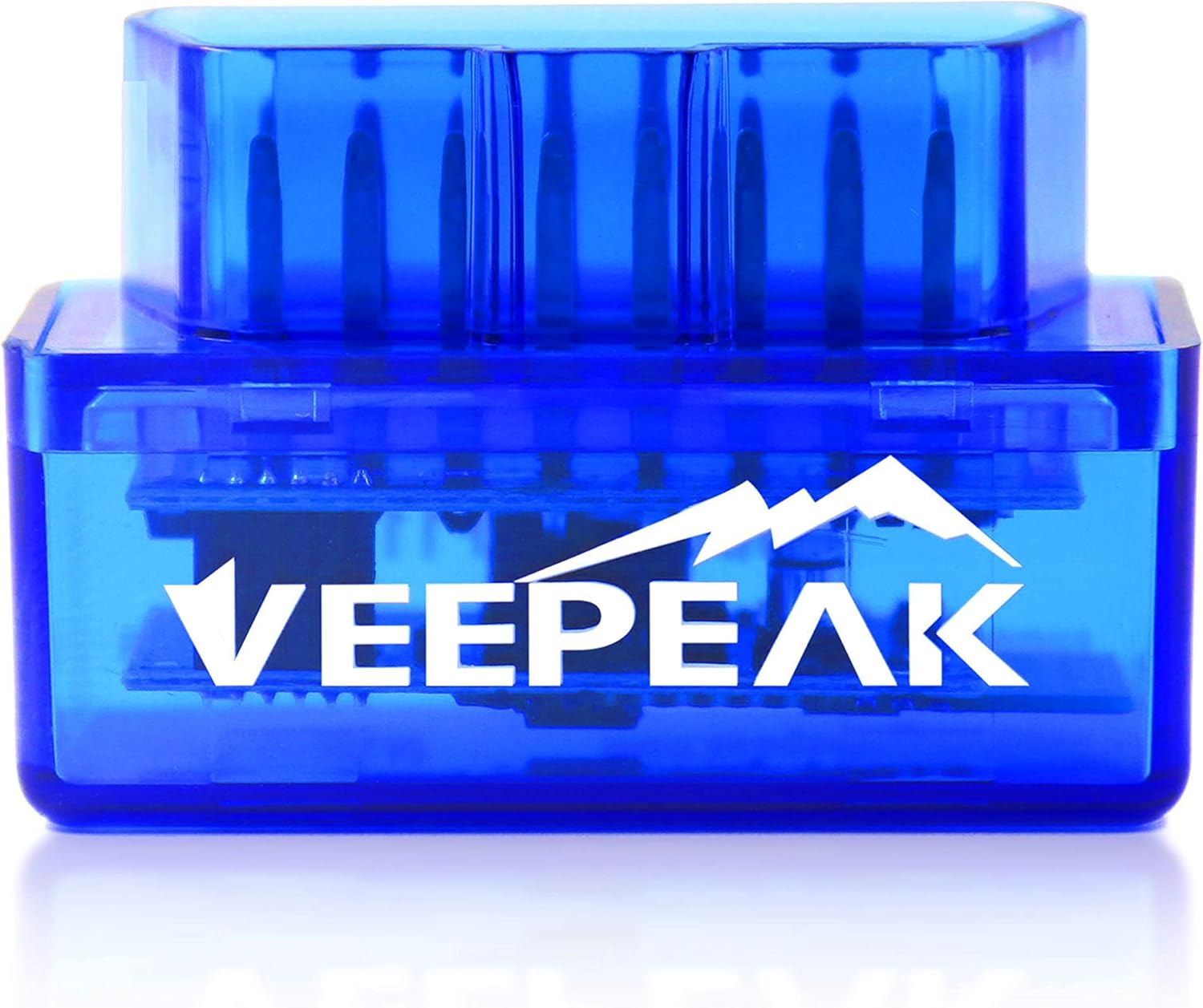
3 Veepeak Mini (Android)
Engine codes on a budget Veepeak Mini (Android)
The Veepeak Mini is a Classic Bluetooth reader for Android phones that covers generic engine diagnostics.
  • Bluetooth connection
  • Works with Android
  • Android only - not for iPhone
Check it out

LX, MX+ or CX: picking the right OBDLink for your phone

OBDLink makes three Bluetooth adapters that people often confuse. The right one depends mostly on your phone and on whether you need extra Ford and GM networks or BMW coding. Here is how the LX sits next to its siblings and a budget alternative.

AdapterBluetoothiPhoneWindowsHybrids/EVs
OBDLink LX3.0 ClassicNoYesExcluded
OBDLink MX+Classic, Apple-certifiedYesYesNot excluded
OBDLink CX5.1 LEYesNoNot excluded
Veepeak MiniClassicNoNoApp-dependent

The MX+ is the do-everything model: iPhone, Android and Windows, plus MS-CAN, SW-CAN and enhanced OEM data. The CX is the BimmerCode specialist. The LX is the focused choice for Android and Windows owners who want OBDLink quality without paying for features they will not use.

Against a budget clone, the LX earns its keep through the STN chip, the included software and the security on the wireless link. If an engine light once a year is all you deal with, a basic reader will do. If you log drives, chase faults or leave the adapter in, the LX is the calmer ownership experience.

  • Pick the LX for an Android phone or Windows laptop and a gasoline or diesel car.
  • Pick the MX+ if an iPhone, a hybrid or FORScan body modules are in the picture.
  • Pick the CX if the car is a BMW or Mini and BimmerCode is the goal.
  • Pick a budget Classic reader if you only need the odd engine code.

Brand against brand, including Vgate's range, is covered in ELM327 vs OBDLink vs Vgate.

Driver questions

Compatibility questions

Does the OBDLink LX work with iPhone?

No. It uses Bluetooth 3.0 and works with Android devices and Windows PCs only. For iPhone, look at the OBDLink MX+ or CX.

What software comes with the OBDLink LX?

The OBDLink app for Android and OBDwiz for Windows. It also works with third-party apps such as Torque and DashCommand.

Does the LX work on hybrids and EVs?

OBDLink excludes hybrid and electric vehicles from the LX's coverage.

Can I use the OBDLink LX on a motorcycle?

Yes, on MotoScan-compatible motorcycles; the MotoScan team recommends it. Many bikes need an adapter cable to the OBD-II plug.

Can I leave the LX plugged in?

Yes. OBDLink designs it to stay plugged in without draining the battery.